From unclear to buildable.
How I align teams around the right problem, set a design direction, and use AI to explore and validate more options than a traditional process allows.
How a project moves
I oversee this process end to end. My focus is discovery and definition, and I stay hands-on in delivery as a senior IC.
- 1Immersion
Immersion
Customer data, analytics, RFPs, and existing research, synthesized before the first workshop.
- 2Discover & define
Discover & define
Workshops, interviews, journeys, and heuristic review, ending in a clear problem, requirements, success metrics, and user roles.
- 3Optional
Direction
A stylescape anchored by a real UI screen.
- 4Core step
Exploration
AI-assisted prototypes that test several directions before one is committed to.
- 5
Component kit
Tokens, variables, and components set up before screens.
- 6
Production design
High-fidelity screens, every state, every edge case.
- 7
Handoff
Files that meet a defined standard for “ready for dev”.
- 8Optional
Implementation support
Review against the build, resolve gaps.
The starting point shapes the process
Two questions decide how a project runs: what state is the product in, and what are we delivering?

New build
No existing system. Discovery goes deeper, direction is set through a stylescape, and the component kit is built before screens.

Existing enterprise product
A design system already exists. I explore with AI-assisted prototypes built on that system, testing ideas in real components before committing to production design.
Alignment happens in the room
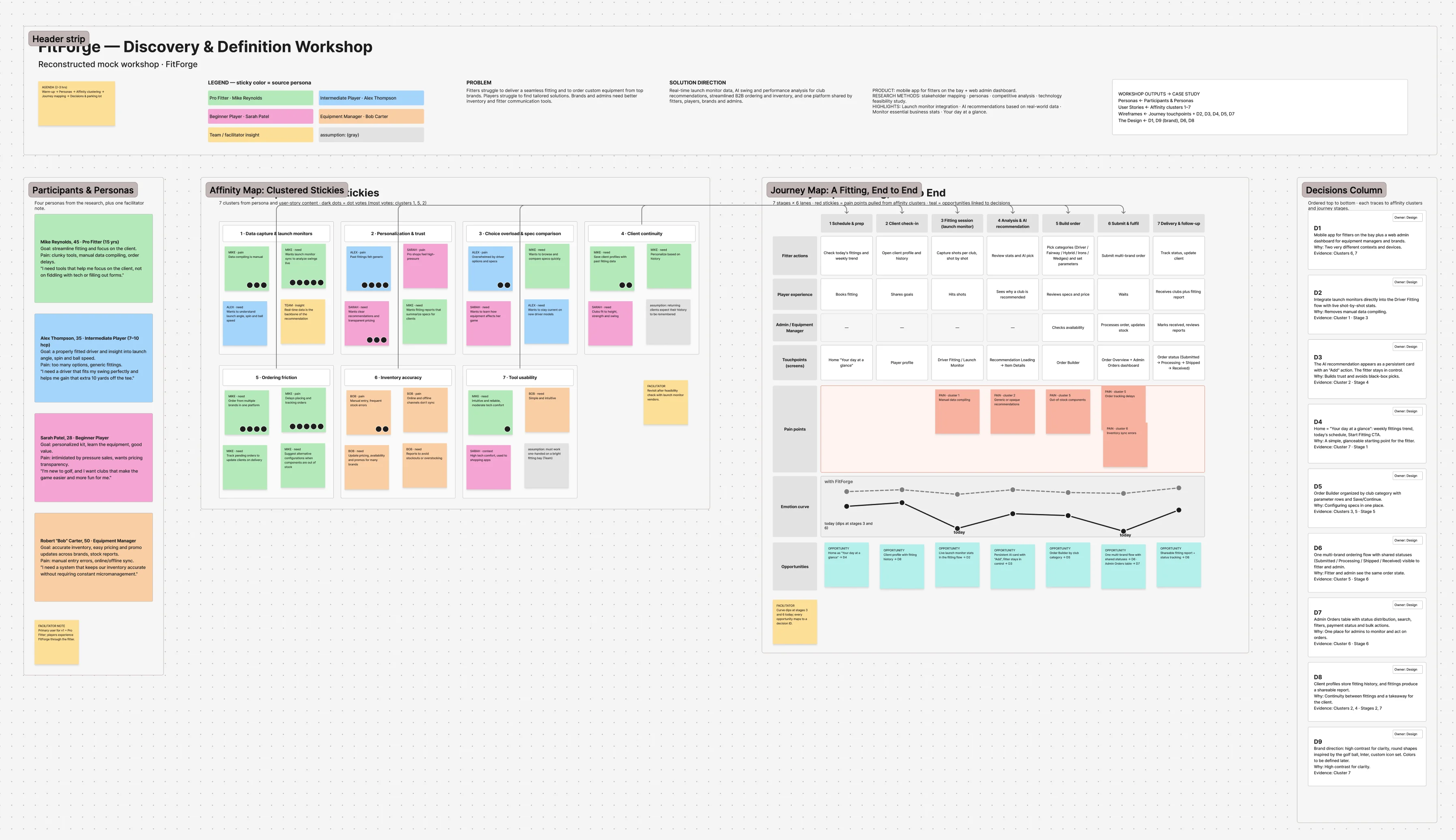
Most project risk is misalignment, not bad design. I facilitate workshops that get business, technology, and subject-matter experts working from the same understanding.

Kickoff & alignment
Agree on the problem, goals, and constraints.

SME sessions
Pull domain knowledge out of the people who hold it.

Journey mapping
Map how work actually happens today.

Prioritization
Turn a long list into a sequence.
Certified IBM Enterprise Design Thinking Practitioner and Co-Creator.
Direction
before details
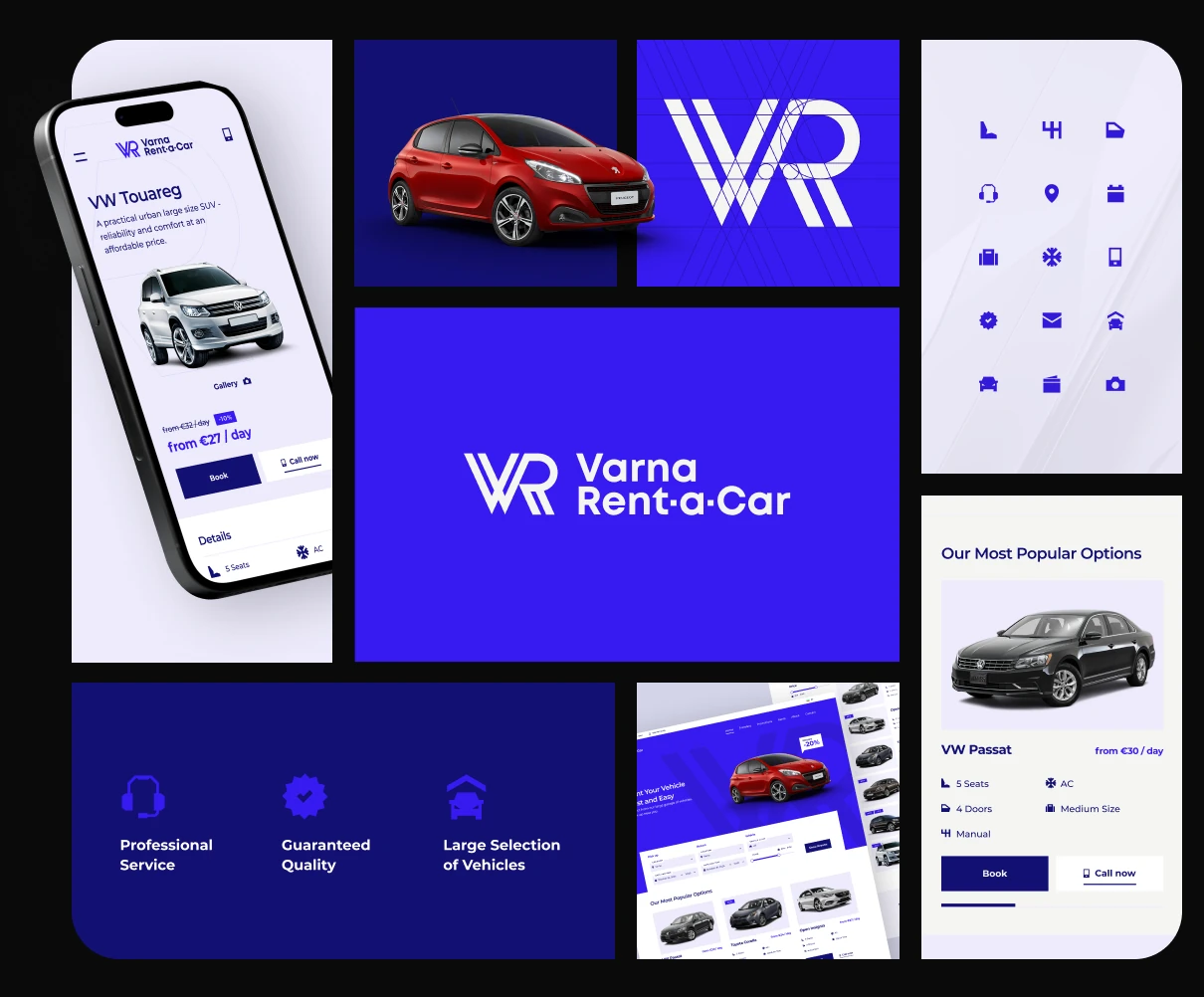
Stakeholders approve what they can see working. Instead of wireframes, I set direction with high-fidelity examples people can react to.
New products
A stylescape: typography, color, density, and tone, anchored by one real UI screen so the direction is judged in context, not as a mood board.
Existing products
Direction means extending the system, not reinventing it. I test where the system bends and where it needs new patterns.
One decision, several options
AI lets me put three or four credible directions in front of stakeholders in the time one used to take, so the choice is informed rather than defaulted.
More options, tested sooner
AI changes the economics of exploration. Options that used to cost days now cost hours, so I can explore wider, test earlier, and commit later.

Synthesis
Interviews, transcripts, and documents become structured insights in a scoped AI workspace per feature.

Wider exploration
I generate and compare more directions for a flow or layout before choosing one. The first idea stops being the only idea.

Rapid prototyping
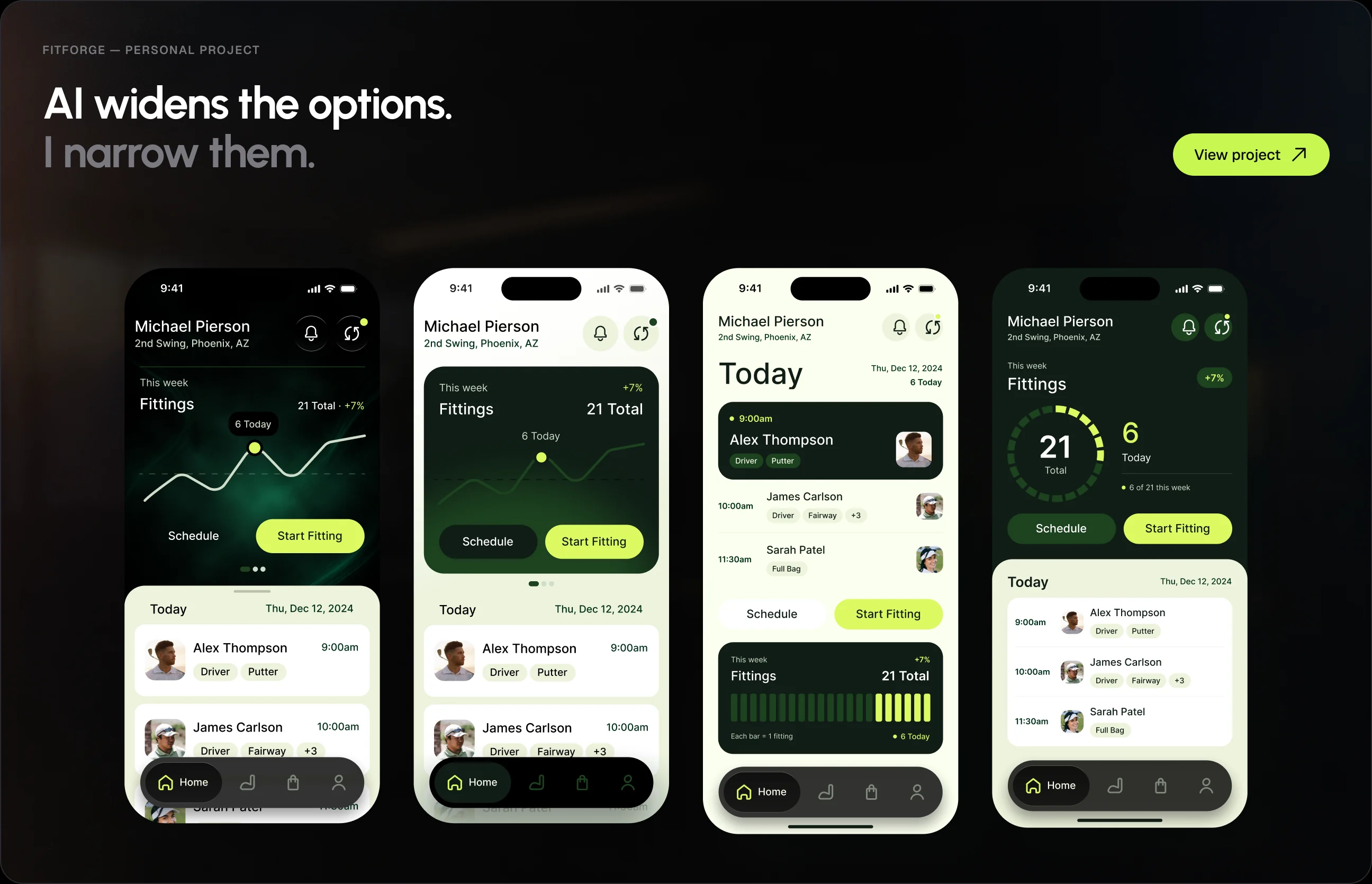
Coded prototypes built on the real design system through Figma MCP, with real data and real interactions.

Early validation
Heuristic reviews, content checks, and flow walkthroughs run against a design in minutes. An early signal that sharpens what goes into user testing.

Accessibility auditing
Contrast, focus order, target sizes, and semantic structure are checked while designing, not after the build.

Motion
Transitions and micro-interactions explored in code, where timing and easing can be tuned for real.
Handoff.
Built for people and agents
Engineering increasingly builds from design files through agents reading Figma directly. A well-structured file is context: agents guess less, redo less, and spend fewer tokens getting it right.
- Layered design tokens
- Auto layout & grid
- Components with slots
- States as variants
- Annotations
- Every path designed
See it applied.
My personal projects show this process end to end, from the first workshop to shipped code.